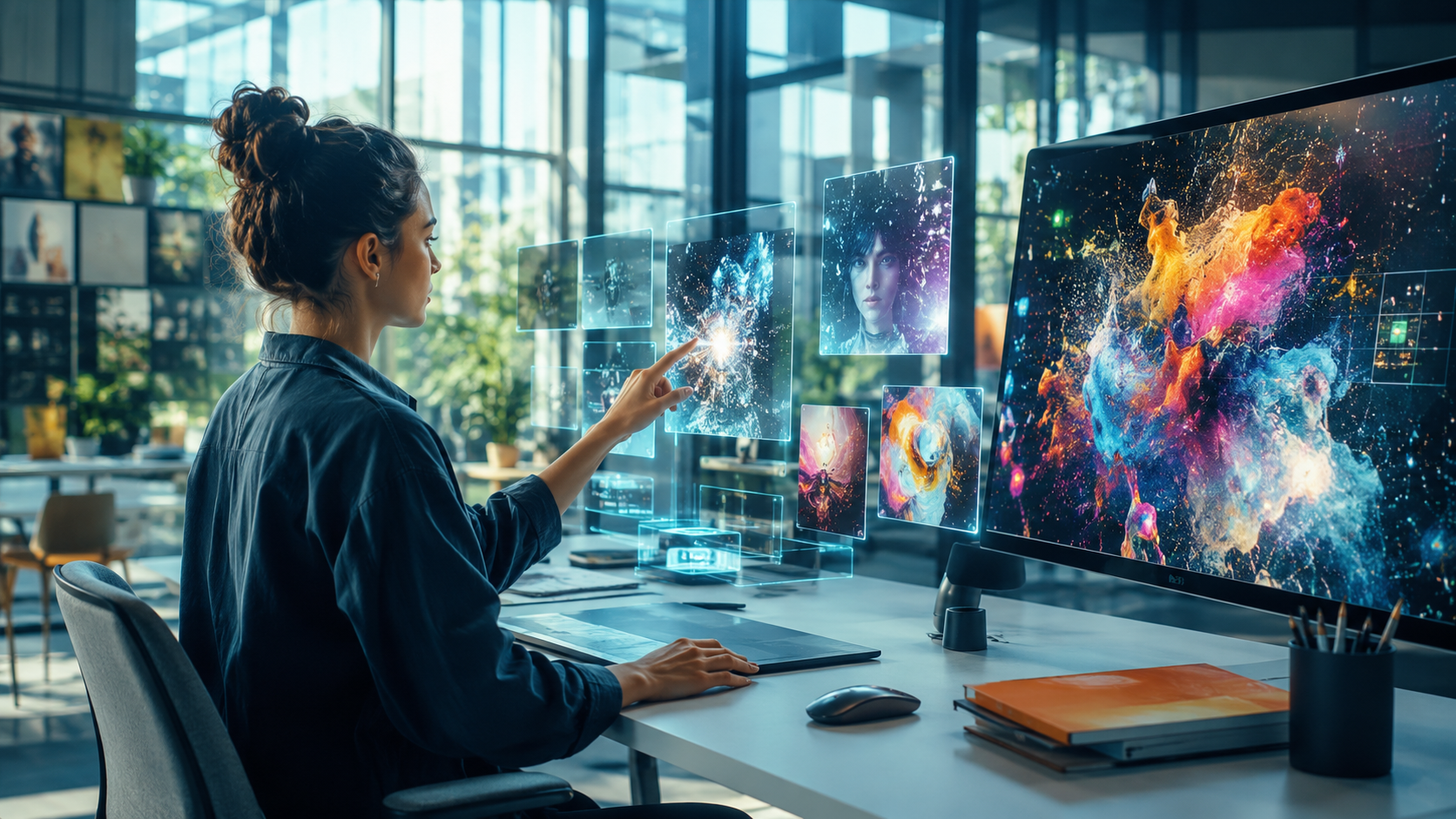
Have you noticed how artificial intelligence is redesigning the future? In the field of design, this transformation is palpable, providing a new landscape full of possibilities for professionals of all skill levels. If you are a designer looking to enhance your creativity and efficiency, AI tools are your indispensable new allies.
Introduction to AI in Design
Artificial intelligence in design is no longer a futuristic vision; it is the reality of the present. From simplifying complex tasks to inspiring creative innovation, AI offers designers an unprecedented palette of opportunities. Many startups and tech giants are heavily investing in this field, recognizing its transformative potential.
Impact on Efficiency
Imagine being able to automate time-consuming repetitive tasks, such as color adjustments or alignments in graphic design projects. AI tools like Adobe Sensei are doing exactly that. They provide designers with the ability to focus on what really matters: the creation and development of original concepts.
Creative Innovation
In addition to efficiency, AI is paving the way for innovation. With examples like DALL-E 2, which uses AI to create images from textual descriptions, designers can explore ideas that were previously limited by traditional methods. Recently, a survey indicated that 68% of designers using AI feel a significant increase in their creative capabilities.
More and more, artificial intelligence is creating an environment where imagination is the only limit. These tools do not replace the human brain but rather enhance its capabilities, allowing designers, both beginners and veterans, to explore new artistic directions and reach an increasingly discerning audience with greater precision and originality.
AI Tools for Image Creation
In the design universe, artificial intelligence tools like Midjourney and DALL-E are revolutionizing how professionals create images. These technologies use advanced neural networks to generate high-quality images from textual descriptions, offering a new dimension for visual creativity.
Midjourney
Midjourney is an emerging platform that enables the creation of sophisticated visuals with just a few words. Design professionals can input their detailed descriptions, and AI converts these nuances into unique images. Imagine a fashion designer wanting to visualize a new fabric concept; with Midjourney, it is possible to generate a variety of patterns and textures never seen before, speeding up the brainstorming and prototyping process.
DALL-E
DALL-E, developed by OpenAI, offers incredible functionalities, pushing creative limits. The ability to generate images from abstract descriptions makes it a powerful tool in sectors like digital marketing, where visually appealing campaigns are crucial. For example, an advertising agency can create visual concepts for campaigns based on catchy phrases or concepts, saving hours of manual illustration work.
These AI tools not only simplify the creation process but also inspire innovations by allowing professionals to explore artistic possibilities without technical limitations. With the continuous advancement of these technologies, the future of design looks even more promising and full of potential for experimentation.
Automation of Repetitive Tasks
For designers, automating repetitive tasks can be a game changer in the creative process's efficiency. With the advancement of AI tools, many software solutions now offer functionalities that simplify tasks such as color adjustments, layout creation, and proportion calculations, allowing designers to focus their efforts on the more artistic and innovative parts of their projects.
Automatic Color Adjustment
Tools like Adobe Color AI are incredibly helpful for automatically adjusting a design's color palette. Utilizing advanced algorithms, they analyze existing colors and provide suggestions for adjustments that improve harmony and contrast. For example, the tool can automatically identify a lack of appropriate contrast and suggest changes that make the design more accessible and visually appealing.
Layout Optimization
Canva Smart Layout makes it easy to create optimized layouts based on best design practices. The tool analyzes the arrangement of elements and can recommend adjustments that optimize visual flow, ensuring that the design meets UX guidelines without compromising aesthetics. This saves designers significant time that can be redirected to more creative development of projects.
Support in Proportions and Measurements
Tools like Sketch Resize use AI to automatically calculate proportions and measurements when resizing design elements. This is especially useful in responsive designs, where elements need to adapt to different screen sizes without manual effort. With just a few clicks, components like images and texts can be adjusted, saving hours of manual work and minimizing human errors.
The Assistance of AI in UI/UX Design
UI/UX design is crucial in creating engaging and efficient digital experiences. With the assistance of artificial intelligence, these experiences can be more precisely and innovatively customized and optimized. AI tools are revolutionizing how designers approach interface development, offering faster prototyping and automatic usability analysis.
Prototyping with AI
Tools like Uizard and Figma with AI plugins allow designers to create interactive prototypes more efficiently. For example, Uizard uses AI to transform paper sketches into editable digital prototypes, saving time and effort in the initial design process. AI helps suggest layouts and design elements based on the learning of previous patterns, making the process incredibly efficient.
Automated Efficiency Analysis
Using artificial intelligence, tools like UXCam analyze how users interact with the design, automatically identifying problem areas. They provide insights on unexpected clicks, sections of the application where users lose interest, and more, allowing for quick adjustments driven by data to enhance the user experience.
Incorporating these AI solutions into the UI/UX design workflow not only elevates the quality of the final product but also saves critical time, enabling designers to focus on more creative and strategic aspects of the project.
AI Tools for Research and Ideation
In the design universe, the research and ideation phase is crucial for the success of a project. Artificial intelligence tools are revolutionizing this stage, providing deep insights and assisting in the generation of innovative ideas. Let's explore some leading platforms that designers are using in 2023.
1. Trend Analysis with AI Design Tools
Platforms like Adobe Sensei utilize AI algorithms to identify emerging trends in design. This helps designers stay one step ahead, creating work that is not only current but also futuristic. By analyzing patterns in millions of designs, the tool suggests colors, styles, and layouts that are trending.
2. Brainstorming with AI
Tools like ChatGPT are being used for brainstorming sessions. Designers introduce specific topics, and AI suggests concepts and creative variations. For instance, if a designer is developing a brand focused on sustainability, AI can suggest unique approaches such as using recyclable materials or implementing a green logo.
3. Automated Mood Board Creation
Canva, for example, uses AI to assist designers in creating mood boards automatically. The tool recommends images, fonts, and color schemes based on user inputs, saving time and speeding up the creative process. It's possible to start with a simple keyword, and AI composes an entire visual universe in seconds.
With these AI tools at their disposal, designers can advance in the research and ideation of their projects more strategically and effectively, harnessing the power of AI to unleash their full creative potential.
Integration of AI in Popular Design Software
In the world of graphic design, artificial intelligence is revolutionizing how we create and edit projects, and Adobe Creative Cloud is at the forefront of this transformation. AI functionalities are being integrated to simplify complex tasks, enhance creative processes, and enrich user experience.
Adobe Sensei: The Power of AI in Design
Adobe Sensei is an artificial intelligence engine that powers various tools within the Adobe Creative Cloud. It is designed to automate repetitive tasks and save designers' time by allowing greater focus on the creative process. For instance, Sensei facilitates the automatic selection of characters and objects in images, saving hours of meticulous work.
Advanced Editing Features
Tools like Photoshop now offer intelligent fill features, where users can quickly replace parts of an image while maintaining visual consistency. With AI, these functions are performed almost instantaneously, relying on algorithms that learn from millions of images to ensure accurate results.
- Object Selection: One click is enough to isolate specific elements from an image.
- Content-Aware Fill: Perfectly removes unwanted objects from photos.
Enhancing Creativity with AI
Artificial intelligence not only speeds up tasks but also expands designers' creative palette. Color tools recommend schemes based on inserted images, while typography systems suggest harmonious combinations for textual design. By integrating these functions, designers can explore new creative directions practically and innovatively.
Limitations and Challenges of AI in Design
Although AI tools have brought a revolution in design, they come with their limitations and challenges. One major concern is the lack of genuine creativity. While AI can generate infinite variations of a design based on existing patterns, it lacks the spontaneous innovation that is inherent to human designers.
Ethical Issues
With the increasing use of AI, complex ethical issues arise, especially regarding the use of training data. Many AI tools are trained on databases that may include works by artists without proper consent, raising concerns about copyright violations. This translates into an ethical dilemma about who should really own the final product of an AI-generated design.
Creative Control
Another challenge is the creative control that is often limited with the use of AI. Tools can suggest effective design solutions, but they can also restrict originality and personalization as they operate within the bounds of pre-programmed data. Designers need to balance trusting AI for efficiency while maintaining the human touch for originality.
Technical and Integration Challenges
Technically, integrating AI into design workflows can be challenging. AI tools often require a learning curve and adjustments to established workflows. It is essential for designers to acquire new skills to make the most of these technologies.
As technology advances, it is expected that AI will incorporate more human nuances. Until then, it is critical for designers to remain adaptable, using AI as a complementary tool rather than a complete substitute for human creativity.
The Future of AI in Design
With rapid technological evolution, Artificial Intelligence is becoming an increasingly present element in design tools. The outlook for 2023 suggests that these solutions will become even more sophisticated, transforming designers' workflows in innovative ways. However, how can one adapt to these constant changes? Let's explore some of the main trends expected and how designers can prepare for this new era.
Extreme Personalization
Personalization is one of the areas where AI is advancing significantly. With algorithms that learn and adapt to the user's style, design tools are allowing designers to create unique and deeply personalized experiences. For example, AI graphic design platforms can now automatically adjust color palettes and typographies according to content and target audience.
Enhanced Human-Machine Collaboration
AI tools are facilitating collaboration between humans and machines. Designers can now use design assistants that suggest alternative layouts, automatically adjust proportions, and even create prototypes based on rudimentary sketches. In this way, rather than replacing human work, AI is enhancing designers' creative capabilities.
Automated Design
One of the most notable predictions is the automation of repetitive tasks, allowing designers to focus on the more creative aspects of the project. For instance, the mass production of design variants, a time-consuming task, can be accelerated by AI, optimizing time and improving the overall efficiency of the design process.
To remain competitive, designers must invest in technological skills and constantly seek to understand how new AI tools integrate into the creative workflow. Participating in workshops, online courses, and design communities focused on emerging technologies is crucial not only to keep up but to lead in these transformations. Don't wait until tomorrow! Start exploring these tools today and prepare for a future where innovation and creativity go hand in hand with artificial intelligence.